
Google (GCP, CDN)
Learn how to integrate TollBit with Google.
Allow TollBit's IP Addresses
RequiredTollBit must be able to reach your sites. We request your pages to set up your Agent Site. If our requests are blocked, challenged, or rate-limited, your Agent Site will not work correctly.
TollBit sends these requests from a fixed set of static IP addresses, published at https://tollbit.com/static-ips.txt. At the time of writing, the list is:
52.22.183.94
3.220.109.109
Always use the published list as the source of truth, and check it again if TollBit tells you it has changed.
Our requests use the user agent tollbot/1.0, so you may see it show up in your logs.
Make sure these addresses are allowed through every security layer that could block or challenge our requests. This applies to every hostname you onboard with us:
- Your CDN's WAF and firewall rules: IP allow and block lists, managed rules, and rate limiting.
- Bot protection, if enabled: make sure requests from these IPs are not blocked, challenged, or served alternate content.
- Any firewall or WAF in front of your origin servers, outside of your CDN.
If you are unsure whether your configuration blocks us, contact [email protected] and we will confirm from our side.
Steps for Analytics
CDN/Cloud Load Balancer
To set up logging for your Google Cloud Load Balancer instance (if you are using Google CDN, it should be backed by a Cloud Load Balancer), you can forward logs to a GCP Storage Bucket.
First, create a bucket you would like to use to hold the logs.
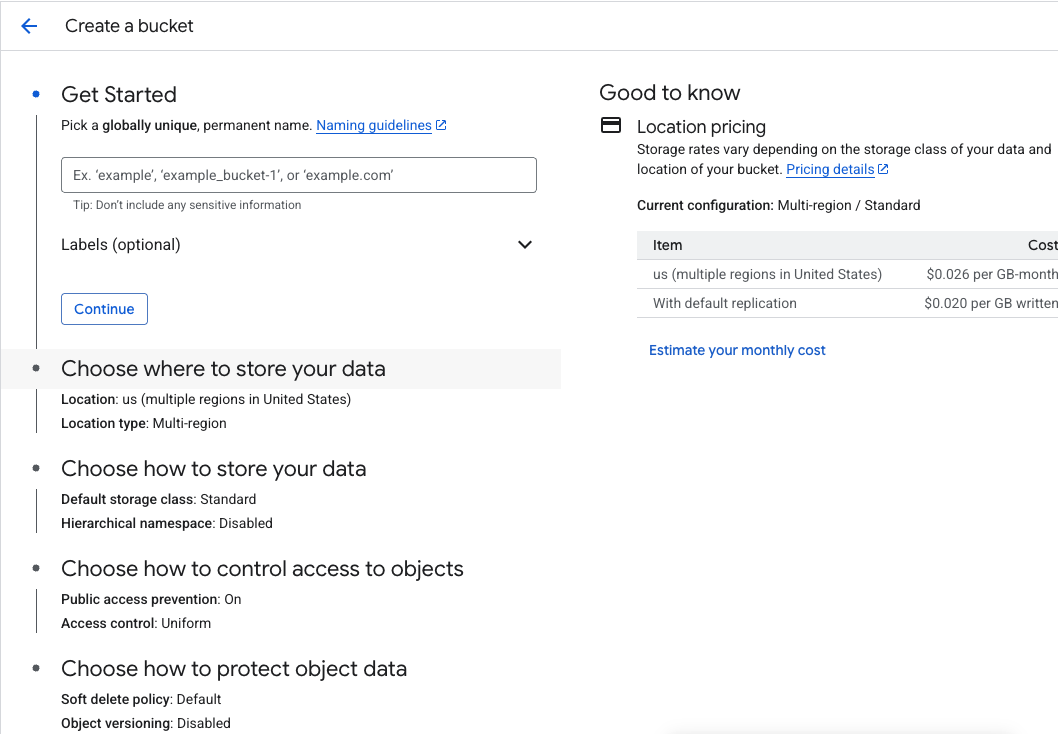
If your load balancer is backed by a non-static backend (you are using another domain or IP address as
an orgin, and not a Storage Bucket), you may need to edit your load balancer's configs and enable a 100%
sampling rate for backend logging.
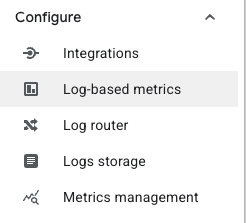
Next, go to the Log Explorer page and on the left hand nav bar, click into "Log router".
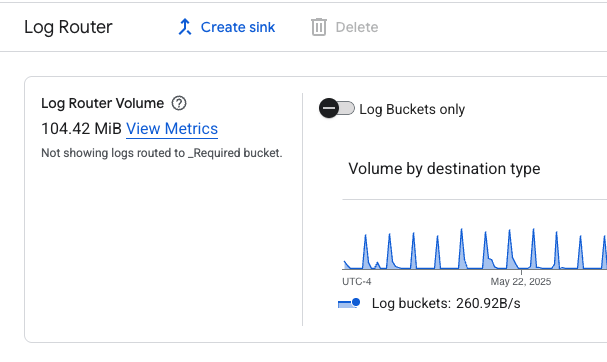
On the top bar, click "Create sink".
Go through the sink creation flow, making sure to set the Storage Bucket you created earlier as
the destination. You should set an inclusion filter to ensure that only traffic logs for your load balancer
gets stored. Some fields to use for the inclusion filter could be the ID of the load balancer,
the underlying domain or IP address, the URL that routes to the load balancer, etc.
Once this sink is created, you may need to wait up to an hour for logs to start appearing in your bucket.
Once you've verified that this is set up correctly, please contact us at [email protected]
to share your bucket with us.
Steps for Agent Site
Google's Cloud Armor allows you to set up some simple redirection rules for user agents.
Note that to implement the full solution, where we want to preserve the path of the content, you
will need to set up a separate backend service that handles redirection that preserves path. However,
you can simply just redirect to the root tollbit subdomain as well to get most of the functionaltiy.
First, navigate to Cloud Armor policies and create a new one (or add this to your existing policy). Set the default rule to allow.
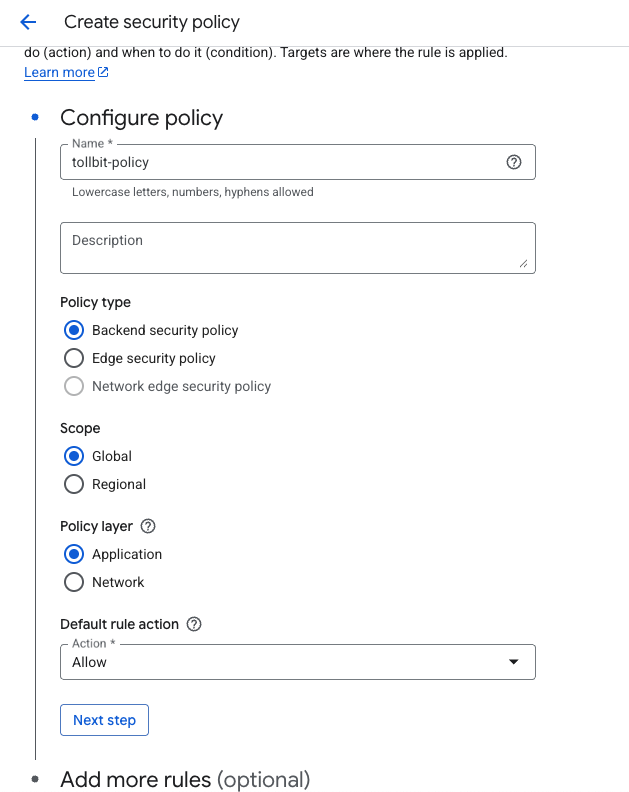
Next, add more rules and select "Advanced mode". You can add preferred user agents that you want to
redirect in the match rules box.
Next, select "Redirect" as the action for the rule, and if you do have a redirection backend service that
preserves path, put the URL to that service. Otherwise, put the root tollbit subdomain for your site (tollbit.yoursite.com).
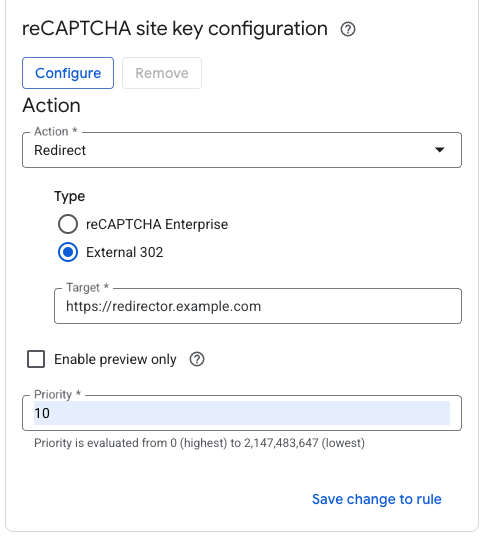
Save and activate your policy.
Updated 4 days ago