
Content Controls
Control what data to include or exclude when developers request content from your website through TollBit.
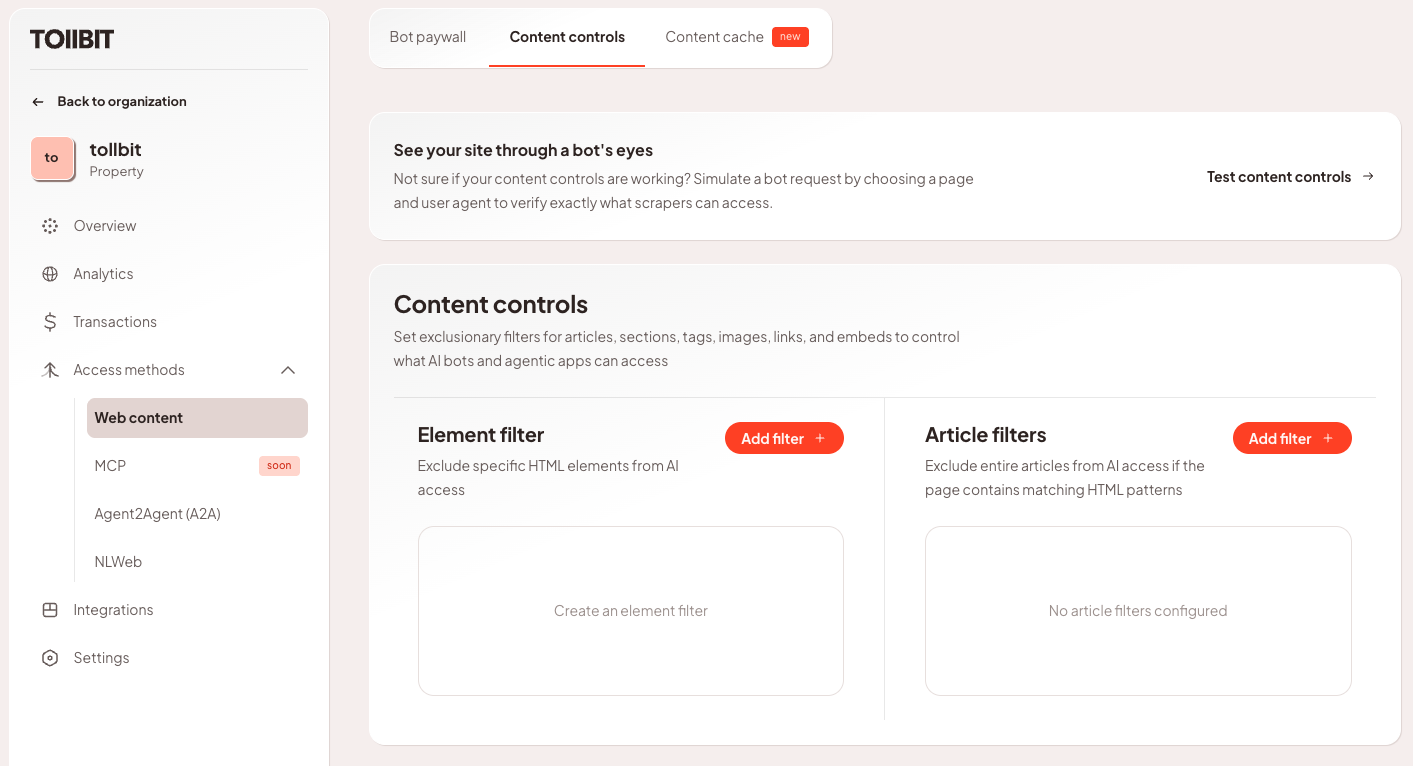
Element Filters
Element filters help exclude certain types of content from the HTML of your website, such as removing all images, links or embedded content from being returned to agentic consumers. Note that in order for this feature to work properly, the content to be excluded needs to be written in well formatted HTML. For example, we won't be able to exclude a hyperlink if it's not within an <a> tag.
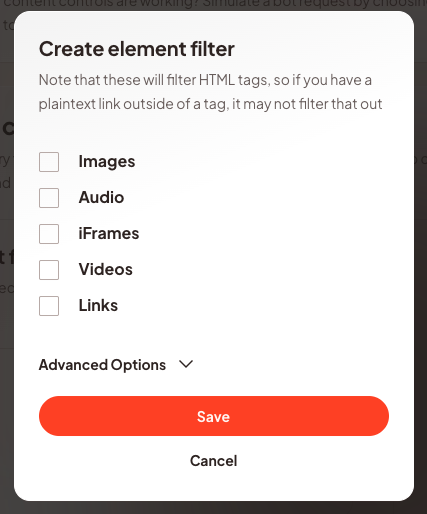
For more advanced use cases you can exclude all elements that are styled with a specific CSS class.
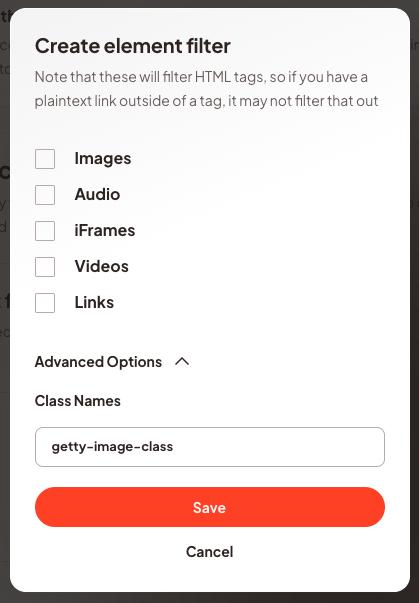
Article Filters
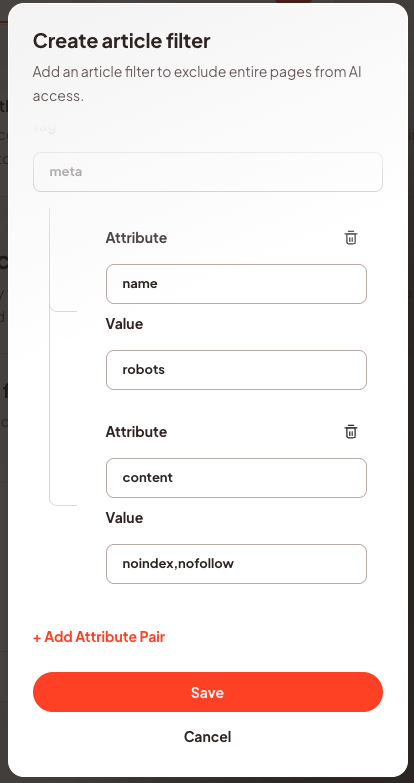
Article filters allow you to programmatically exclude entire HTML pages from AI access. An article filter can be configured to match a specific HTML tag with specific attributes and attribute values. Any page that contains the tag that matches will be excluded from agentic access. This feature is intended to be used to exclude content like syndicated articles.
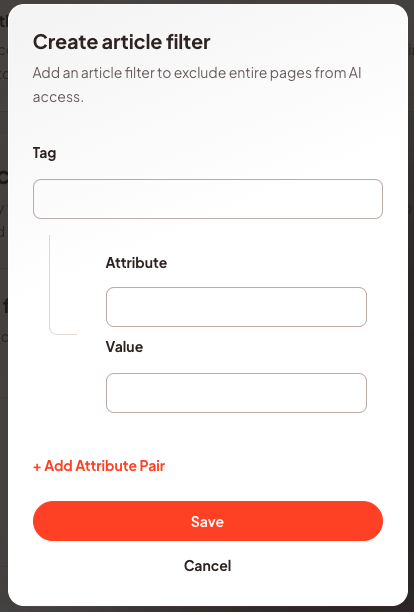
If you already have a <meta name='robots' content='noindex,nofollow'> tag (or similar) to exclude pages from traditional web crawling, configuring an article filter to match that tag will also exclude pages containing that tag from AI access.
If you already have a <meta name='robots' content='noindex,nofollow'> tag (or similar) to exclude pages from traditional web crawling, configuring an article filter to match that tag will also exclude pages containing that tag from AI access.
Updated 4 months ago