
Enabling Open Access
Choose whether or not you'd like to provide free or paywalled access to your content.
Open Access is a routing mode that serves cached HTML to whitelisted bots or page categories without charging them. It creates a sanctioned, cost-neutral access path for AI agents while protecting publishers and site content from overwhelming bot traffic.
To use this feature to its fullest extent, start by redirecting bots from your main site to your agent site (tollbit subdomain); you can view how to do this in your CDN via our integrations page. AI bots would continue to be able to fetch your content, but it would be doing so through your agent site instead of your human site. TollBit intelligently routes the request based on specified preferences. Simply whitelist agents and their crawling automatically becomes sanctioned through the cache.
Select a TollBit property, and under Agent Site select Open Access on the top of the page. You may either select all AI bots to use content cache or select specific bots by selecting them in the table or searching/adding a string.
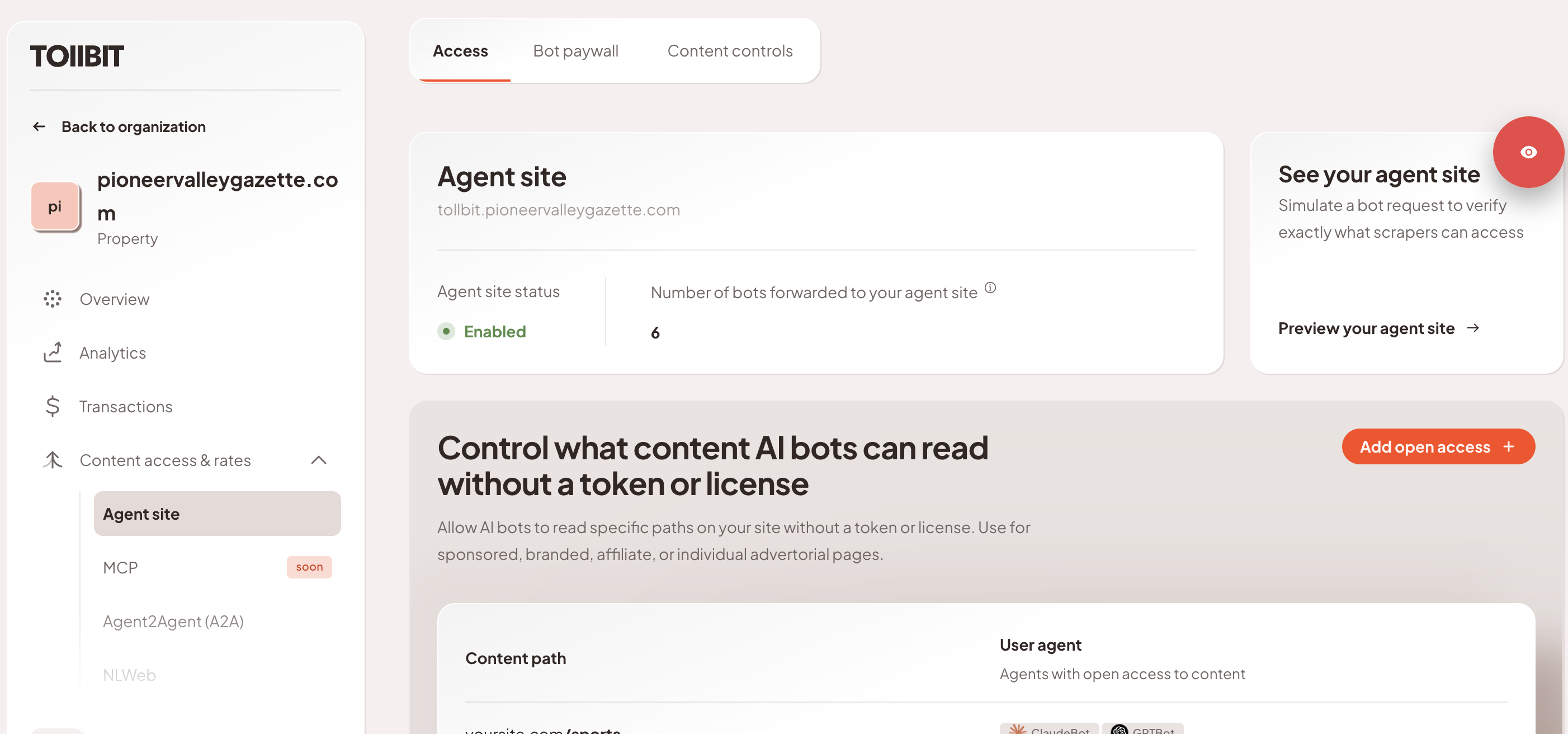
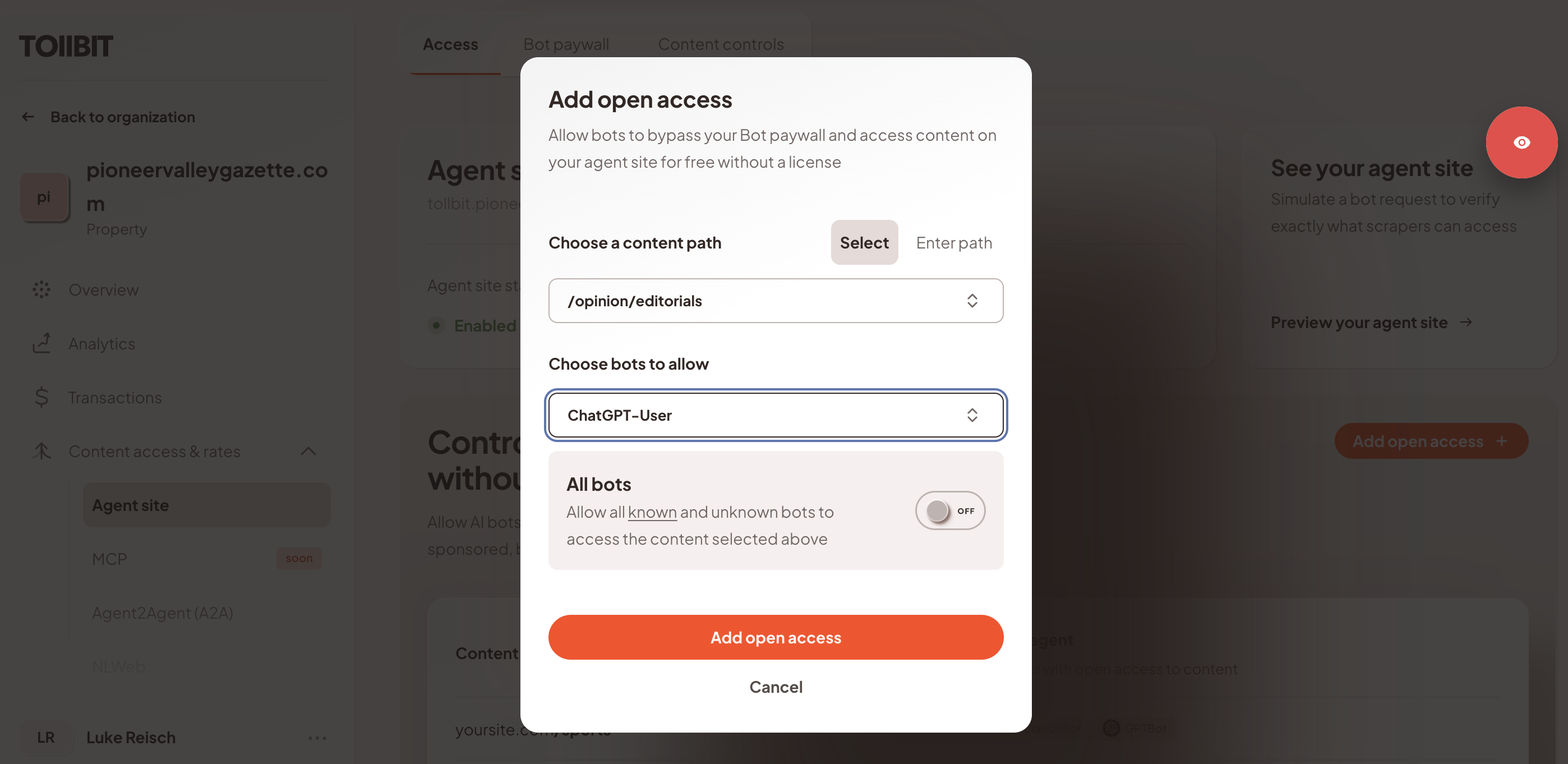
Once you add open access, you can configure open access by either selecting a content path (via dropdown or text entry) or user agent. In the example below, all articles under the Opinion / Editorials folder path have been enabled for ChatGPT-User, as an example.
Once the path is saved, you can test your request with a simple curl command. All open access paths with the specified user agents will return a status code 200 via agent site.
What about robots.txt?It is recommended that you align Open Access paths with your allow list on robots.txt file. Open Access can entail specific user agents, file paths, and/or a combination of the two.
Caching
Note that Open Access is not a permanent archive. Pages are stored depending on whether they are requested by bots. The TTL is set to 5 minutes for non article pages (home page, hub pages, etc), and longer for articles, after which the cached content is automatically evicted.
Updated about 2 months ago